

GrowHealthy Test Results: Find Your COA by Bar Code ID
Learn how to use GrowHealthy test results to find your GrowHealthy COA by six-digit Bar Code ID, including ACS lab results and Kaycha lab results.
...
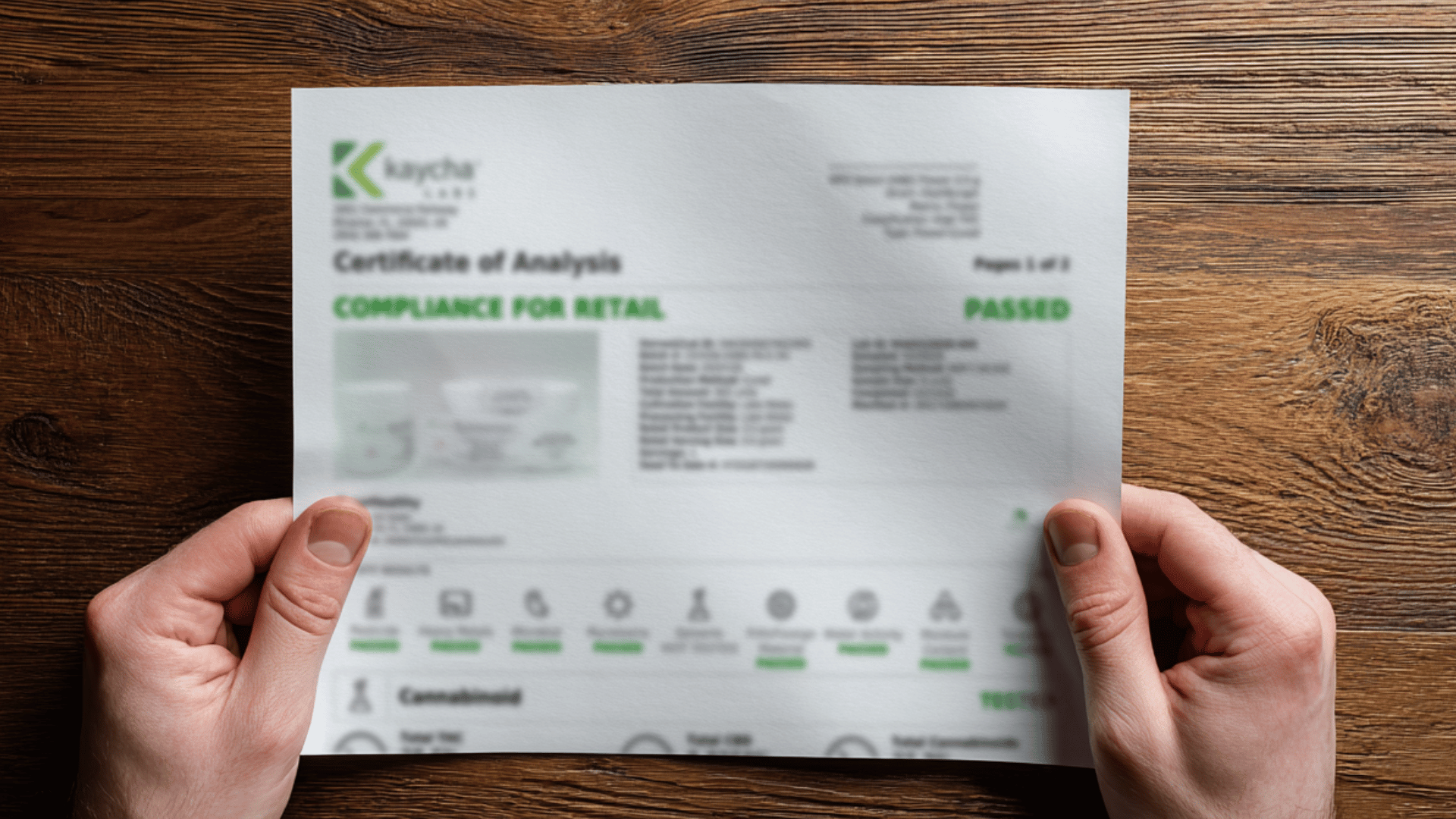
How to read COA results gets a whole lot simpler once you know what you are looking at and what you can ignore. That little QR code on your jar, vape box, or concentrate container usually opens a Certificate of Analysis, basically a lab report tied to one specific batch. If you have ever felt like you needed a decoder ring to make sense of it, you are not alone. The good news is you only need a few quick checks to feel confident that what you bought is accurately labeled and properly screened.
Before you look at numbers, do the quick “match check.” A COA is only useful if it is for the exact batch in your hand.
If you want to pull your report directly, use the GrowHealthy COA Test Results page and search by product to find the right batch. This one habit saves you from accidentally relying on a report that looks impressive but is not actually tied to your purchase.
The potency panel is where most people go first, and it is also where the “Wait, which THC number counts?” confusion usually starts. Flower is often listed as a percentage. Other formats may show mg/g, mg/mL, or mg per serving. When you are scanning quickly, focus on Total THC and Total CBD, then treat everything else as extra context.
Here is what you will usually see on cannabis potency panels:
If you have ever noticed that Total THC is not the same as “THCa + THC,” you are seeing a chemistry detail, not a mistake. When THCa converts, a bit of mass is lost in the process, so labs use a conversion factor.
One more thing that matters in real life: a bigger THC number is not automatically a better pick for you. If you have shopped at multiple Florida dispensaries, you have probably seen how two products with similar Total THC can still feel very different. Your dose, your tolerance, your format, and the terpene profile all play a role. For practical, patient-friendly dosing reminders, you can keep the GrowHealthy Dosing Information page bookmarked.
The terpene panel is the part of the COA that helps you connect the lab report to the experience, meaning aroma, flavor, and that overall “this one is more my style” vibe. You will usually see a list of individual terpenes and their amounts, plus a line for Total Terpenes.
A quick way to use this section:
You will see familiar names like myrcene, limonene, caryophyllene, pinene, and linalool. Instead of memorizing a long list, try keeping a simple note in your phone. If you bought a flower you really liked, jot down the top terpenes and the Total Terpenes number, then compare it next time you shop. Over a few purchases, patterns usually pop up.
For a plain-English overview of what terpenes are and why they show up in cannabis testing, you can also reference Project CBD’s terpene education at Terpenes.
If you want to browse with terpenes in mind, start where it is easiest to compare batch-to-batch results, like the Shop Flower page.
This is the section many people scroll past, but it is the one that protects you the most. Potency tells you strength. Safety panels tell you whether the batch cleared screening for contaminants you cannot spot by sight or smell.
Depending on the product type and the state requirements, your COA may include panels such as:
What you want to see is simple: PASS. You may also see ND, which usually means “non-detect” at the lab’s limit of detection. In everyday terms, ND is typically a good sign for safety panels.
If you are curious why these panels exist, the official Florida medical cannabis rules and testing framework are housed on the state’s program site, which you can review at OMMU Rules & Regulations.
If anything on a COA shows FAIL, do not use that product. Reach out to your dispensary team so you can get clear next steps.
When you are standing at home with a product in one hand and a COA on your phone, it helps to have a repeatable routine. Here is a simple flow you can use every time:
If you ever find yourself thinking, “This report feels incomplete,” trust that instinct. A COA should be clear about the lab, the batch, and the testing categories included.
Most COAs are straightforward, but a few things should make you pause, especially if you are comparing products across different brands or formats.
If you want a second set of eyes on a GrowHealthy report, use the GrowHealthy Contact page. You deserve answers that make sense, not more paperwork.
What does COA stand for in cannabis lab results?
COA stands for Certificate of Analysis. It is a lab report tied to a specific batch that can include potency (cannabinoids), terpene results (when tested), and safety screening panels.
Which number should you use when comparing THC lab results?
For flower, Total THC is usually the most useful single line because it estimates potential THC after THCa converts with heat. Still, you will make smarter choices if you also look at format, your typical dose, and the terpene profile.
What does ND mean on a COA?
ND typically means “non-detect,” meaning the lab did not detect that compound at its testing threshold. You will see ND most often in contaminant panels, and it is generally what you want to see there.
Do all products include terpene testing?
Not always. Some product types or brands may not publish terpene panels. If terpenes matter to you, look for COAs that list individual terpenes and a Total Terpenes value so you can compare batches more easily.
What if you are new to Florida’s medical program and want to understand the basics?
If you are still figuring out the Florida State Issued Medical Card process, this overview of how to get a medical marijuana card in Florida explains the general steps and what to expect. For savings once you are shopping, you can also review GrowHealthy discounts.
Once you know how to read COA results, you can get what you need from the report in under a minute. Match the batch number first, check Total THC and Total CBD for potency, peek at Total Terpenes if you care about flavor and profile, then finish with the safety panels and look for PASS or ND. If you ever want help tracking down the right report, or you just want someone to walk through it with you, the GrowHealthy team is here for that. Transparent lab testing should feel empowering, not confusing.
Reminder: GrowHealthy provides lab-tested medical cannabis products and education, but we do not diagnose, treat, or cure medical conditions. For personalized guidance, consult a qualified healthcare professional.