
GrowHealthy test results: what a COA is (and why you should care)
A COA (Certificate of Analysis) is a third-party lab report for a specific batch of medical cannabis. Think of it as the “paperwork” behind the label. It usually includes:
- Cannabinoid potency (THC, THCA, CBD, and other cannabinoids)
- Terpene profile (the aromatic compounds that often shape how a product feels for you)
- Safety panels (like microbes, pesticides, and heavy metals, depending on the product)
One important detail: a COA is batch-specific, not a general report for a strain name. So if you loved a batch last month, the next harvest can still vary a bit in terpene percentages or minor cannabinoids. That’s normal plant behavior, and it’s also why COAs are so useful when you’re trying to dial in consistency.
Where to find the six-digit Bar Code ID on your GrowHealthy package
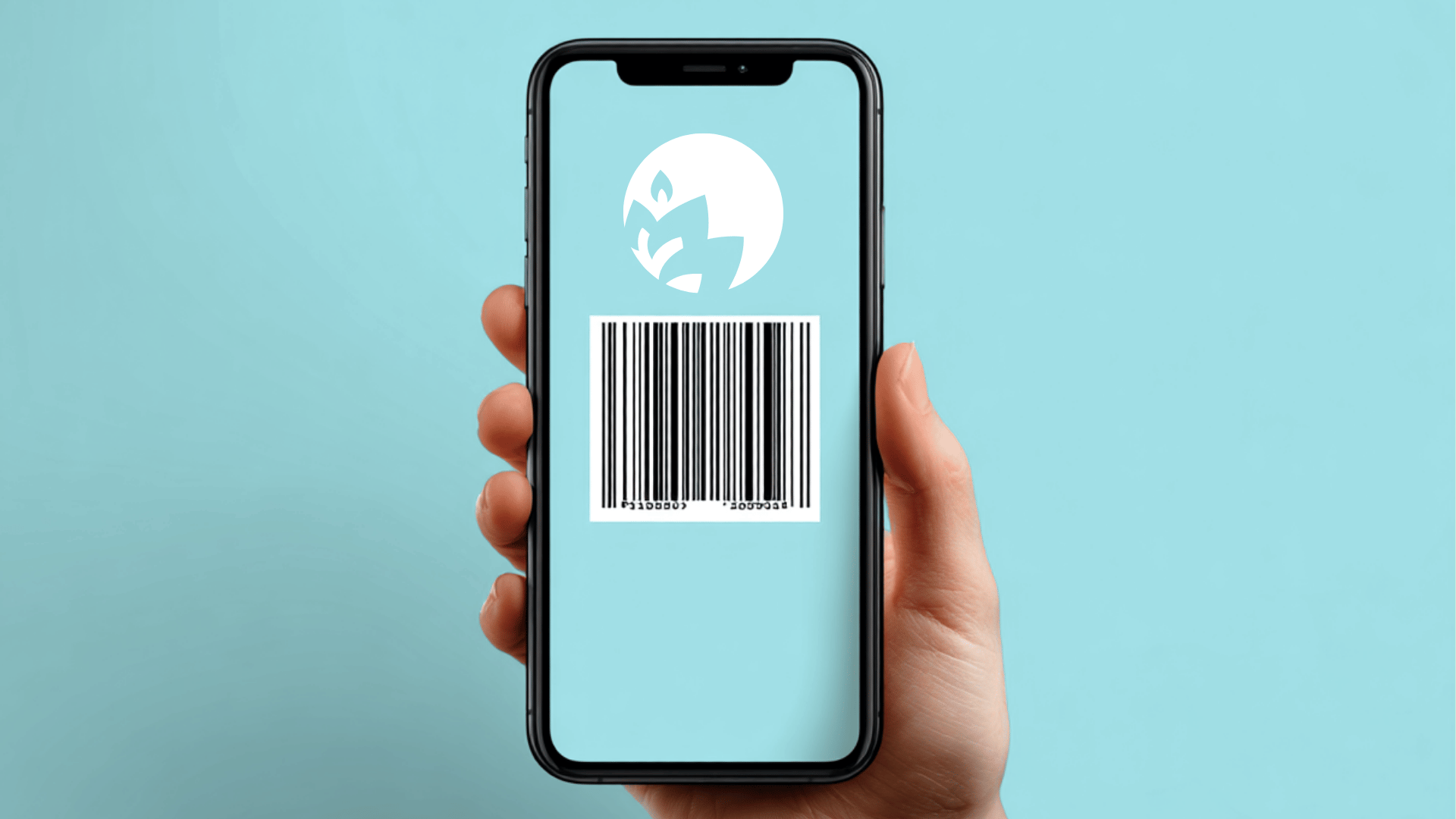
Your COA lookup starts with the six-digit Bar Code ID. You’ll typically find it on the product label near the barcode. If you picked up a few items at once, check each label since every product and batch can have a different ID.
- Flip the package to the barcode area and look for a short number with six digits.
- Type it exactly as printed, including any leading zeros.
- If the label is damaged or you’re stuck, you can always reach the GrowHealthy team through the GrowHealthy Contact Us page.
GrowHealthy test results step-by-step: how to find your COA by Bar Code ID
Once you have your Bar Code ID, you’re only a minute or two away from the report. The cleanest route is to start at GrowHealthy’s official hub, then follow the lab portal for your batch.
- Open GrowHealthy test results.
- Choose the lab option shown for your batch (ACS, Kaycha, or UsCannalytics).
- Enter your six-digit Bar Code ID into the search field.
- Open the COA and review potency, terpenes, and safety results.
If the search does not pull anything up right away, do a quick re-check before you assume something’s wrong. A missing zero at the front is the most common hiccup. It also helps to refresh the page and try again.
GrowHealthy test results portals: ACS lab results, Kaycha lab results, and UsCannalytics
Depending on the batch you purchased, you’ll be routed to different accredited labs. The “look” of the report may change, but the goal stays the same: show you what was tested and what passed.
- ACS Laboratory: If your report opens on ACS, their COA explainer is genuinely helpful when you’re learning the layout. You can reference it here: ACS Laboratory Certificate of Analysis overview.
- Kaycha Labs: Many GrowHealthy patients like Kaycha’s portal because it’s easy to search and browse. If you want to go straight to the company page, use Kaycha YourCOA for GrowHealthy.
- UsCannalytics: Some batches route here through the GrowHealthy test results flow. You’ll still use the same Bar Code ID approach to locate your report.
What to look at first on your GrowHealthy COA (so you don’t get lost)
COAs can feel like a lot at first glance. If you want the fast version, focus on three areas in this order:
- Potency and cannabinoids to understand the general strength and balance
- Terpenes to get a better feel for the character of the batch
- Safety results to confirm required testing passed
You can absolutely go deeper later. But even a quick skim of those sections gives you more useful info than a label alone.
Potency basics: THC, THCA, CBD, and what the numbers usually mean
The potency panel is where you’ll see THC-related values, plus CBD and other minor cannabinoids. With flower, you’ll often notice THCA listed prominently. That’s because THCA converts to THC when heated. With vapes and concentrates, the cannabinoid breakdown can look different depending on the formula and extraction style.
One friendly reminder: chasing the highest THC number is not always the best way to shop. Plenty of patients find that the overall mix, especially terpenes, lines up with their preferences better than a single headline percentage.
Terpenes: the part of GrowHealthy test results that can actually help you shop more consistently
If you’ve ever tried the same strain name twice and thought, “This feels a little different than last time,” terpenes are often part of that story. On the COA, terpenes are usually listed by name and percentage, and you’ll see familiar ones like myrcene, limonene, pinene, and caryophyllene.
A simple way to make COAs work for you is to keep a note on your phone: write down the terpene combos you tend to like, then check future COAs when you want something similar.
Safety panels: what “pass” means and what’s worth a closer look
Your COA also includes required safety testing panels. Depending on the product type, you may see results for microbes, pesticides, heavy metals, moisture, or water activity. Many sections are shown as pass/fail, and some include detection limits and measured values.
If you’re scanning quickly, start with the final status. If anything looks confusing after that, slow down and read the panel name and the pass indicator. And if you ever think you pulled up the wrong report for your package, it’s completely reasonable to ask for help confirming you’re viewing the correct batch.
Why you can’t pull up a GrowHealthy COA before purchase
You might wish you could check every COA before you buy, especially when you’re trying to repeat a “great batch.” In practice, COAs are linked to the specific batch and the Bar Code ID on the packaging, and that’s why access typically starts after purchase. GrowHealthy covers this in the COA access guidance on the GrowHealthy FAQs.
The upside is that COAs become a useful feedback loop. You buy what fits your routine, you check the COA, and you learn what numbers and terpene patterns tend to match what you prefer next time.
What to do if your COA looks off (or the portal won’t find your code)
If something doesn’t line up, you’re not overthinking it. Start with these simple checks:
- Confirm the Bar Code ID is six digits and includes any leading zeros.
- Refresh and try again, especially if the portal feels slow.
- Compare product details on the label to what’s shown on the report.
- Reach out for help through GrowHealthy support if you still cannot find the right COA.
How to use COAs to shop smarter at GrowHealthy
Once you get comfortable pulling up reports, COAs become less about “perfect numbers” and more about spotting patterns that work for you. Here are a few low-effort habits that make a difference:
- Save your favorites as a screenshot or PDF so you can compare future batches.
- Use terpenes as your compass, especially when two options have similar potency.
- Match your product type to your routine, whether that’s flower, vapes, concentrates, edibles, tinctures, topicals, or RSO.
When you’re ready to put that knowledge to work, browse what’s currently available at Shop GrowHealthy. If delivery is your thing, you can also review the details on GrowHealthy delivery, including the minimum purchase requirement and statewide availability with limited exceptions.
If you’re looking for ways to stretch your budget, check GrowHealthy discounts for everyday savings and first-time patient offers.
FAQ: GrowHealthy test results, COAs, and lab reports
What is the fastest way to find my GrowHealthy COA?
Use your six-digit Bar Code ID from the package, then go to GrowHealthy test results and search it in the correct lab portal.
Why do two batches of the same strain show different terpene percentages?
Because the COA is tied to the specific batch you purchased. Terpenes naturally vary with cultivation and harvest conditions, so your report reflects that exact lot, not the strain name in general.
Are ACS lab results and Kaycha lab results both credible?
Yes. They’re third-party lab reports presented through different portals. The layout differs, but both are intended to document cannabinoid potency, terpene content, and required safety testing for your batch.
What if the lab portal can’t find my Bar Code ID?
Re-enter the code carefully, including any leading zeros, then refresh and try again. If it still doesn’t show up, contact GrowHealthy through the support page with the product details from your label.
Can a COA tell me which product is “best” for me?
A COA helps you understand what’s in your product and compare batches more intelligently, but it can’t predict your personal experience. If you want general guidance around responsible use and finding a starting point, review GrowHealthy dosing info and consult a licensed medical professional for advice that fits your needs.
I’m new to Florida’s medical program. Where can I learn the rules?
For the official regulations, you can reference Florida OMMU rules and regulations. If you’re still figuring out the process for a Florida State Issued Medical Card, this step-by-step overview is a helpful starting point: how to get a medical marijuana card in Florida.
Conclusion: make GrowHealthy test results part of your routine
When you use GrowHealthy test results regularly, you stop guessing and start shopping with real information. Your six-digit Bar Code ID connects you to a batch-specific GrowHealthy COA, whether the report shows up as ACS lab results, Kaycha lab results, or UsCannalytics.
Save a few favorite COAs, keep an eye on terpenes, and use what you learn to guide your next pickup or delivery. And if a report ever leaves you with questions, reach out. You deserve to feel confident about what you’re using.